Search and filter
Find saved articles by keyword, and filter them by reading status, category or tag.
On this page
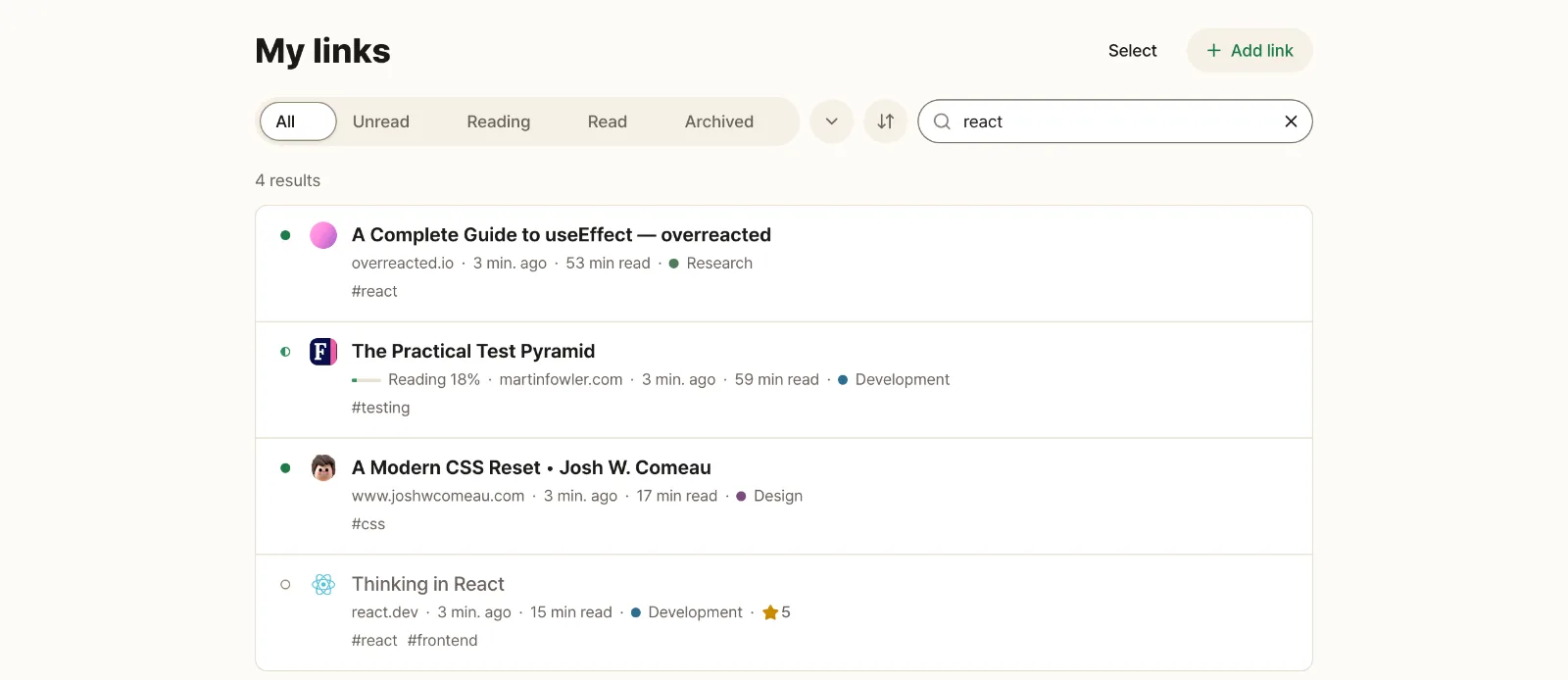
Search looks beyond titles, through addresses, descriptions, notes, tags and the saved article text. Even if you can't remember the title, you can find an article by a word from its text.
Web
- Search: Click the magnifying glass at the top right of the list, or press /, and type. Results update as soon as you stop typing. Press Esc to clear the search.
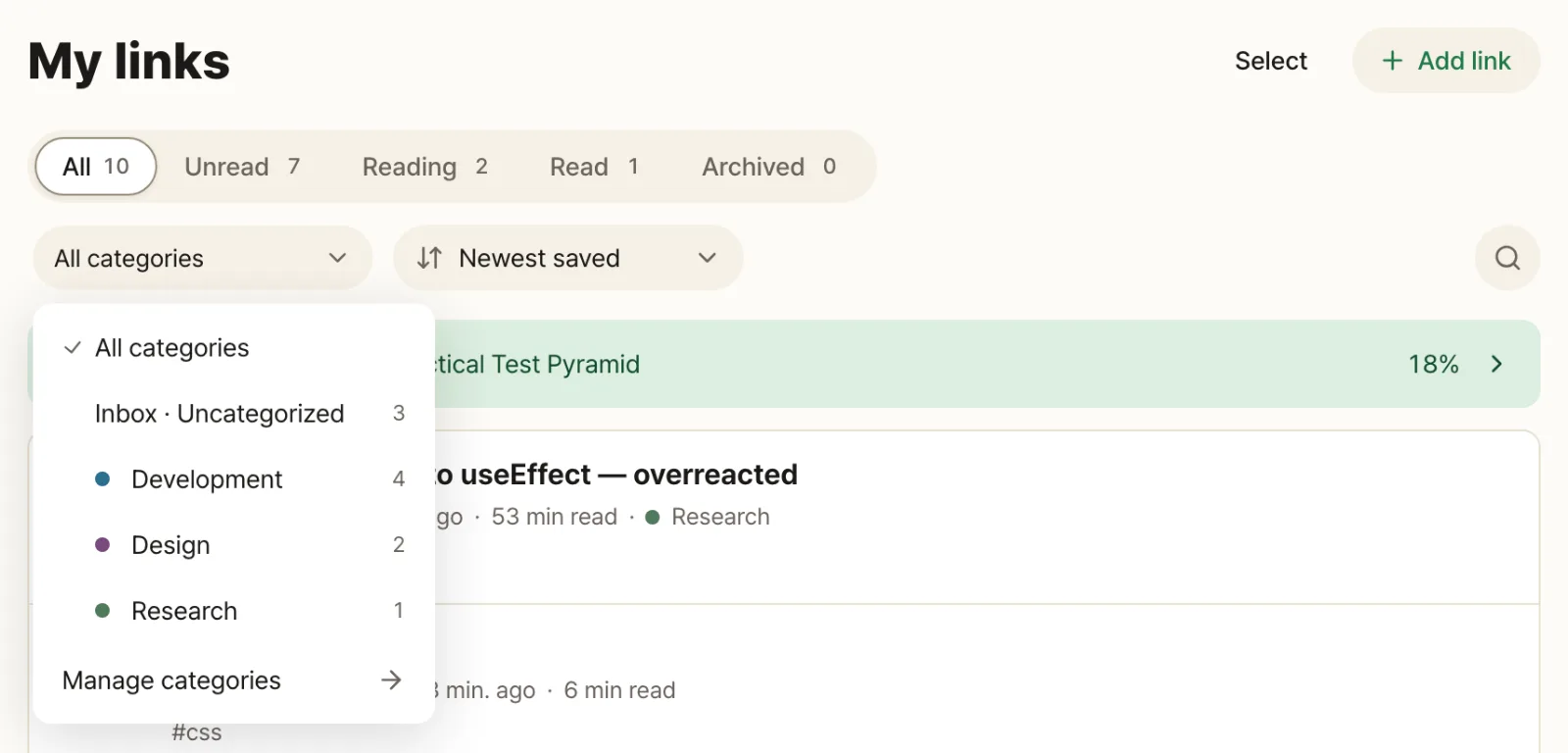
- Reading status: Use the All, Unread, Reading, Read and Archived tabs at the top. Each tab shows how many articles it has.
- Category: Click All categories and pick a category, or Inbox · Uncategorized.
- Tags: Click a
#tagon an article to see only articles with that tag.
While filtering by a tag, the tag shows as a chip at the top. Press the ✕ on it to remove it.
App
- Search: Type in the Search links… field above the list.
- Reading status: Choose All, Unread, Reading or Read.
- Categories and tags: Tap the filter button (the three-line icon) at the top right of the list to open Filters. Pick categories and tags, then close it. Tap Clear filters to reset.
- Archived articles: In Filters, tap Archived to open the list of archived articles.
Something wrong with this page? Send feedback