Subscribe to blogs with RSS
Add a blog's or site's RSS feed and every new post lands in your reading list automatically.
On this page
Subscribe to the blogs you read often and new posts show up in your reading list on their own. By default, only posts published after you subscribe come in, and posts that were already up aren't fetched. Turn on Also bring in the 3 latest posts in the preview before you subscribe, and the feed's 3 latest posts come in once as well. Articlyst checks for new posts every hour.
Subscribe on the web
- In Settings, choose Subscriptions · RSS.
- Paste a blog address or RSS feed address into Add a subscription and press Enter.
- When the blog name and its latest post appear in the preview, click Subscribe.
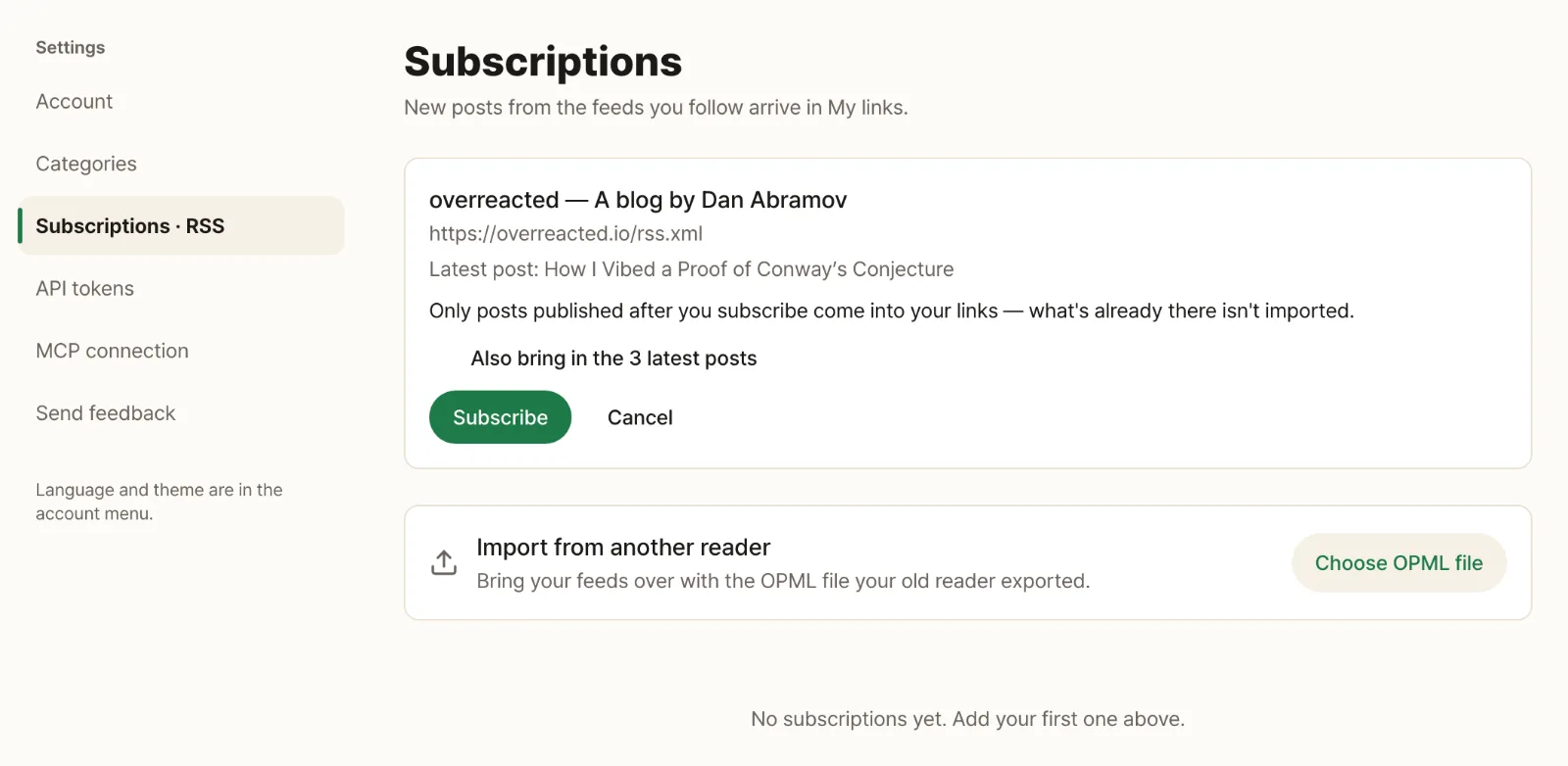
Coming from another RSS reader? Under Import from another reader, click Choose OPML file to bring over all your subscriptions at once. Each file can import up to 100 feeds.
Subscribe in the app
- In the Profile tab, tap Manage subscriptions.
- Enter a blog or feed address in Add a subscription and tap Add.
- Check the preview and tap Subscribe.
Manage subscriptions
- Turn a feed's switch off to pause it. Turn it back on to pick up where it left off.
- If a feed keeps failing, Articlyst stops checking it and shows why. Click Try again on the web, or turn the feed's switch back on in the app, to start checking it again.
- If you remove a subscription, the posts it already added stay in your list.
Something wrong with this page? Send feedback