Delete your account
Delete your Articlyst account and everything you saved. Deleted data can't be recovered.
Deleting your account immediately erases everything: your saved links and article text, notes, tags, ratings, categories, subscriptions and API tokens. It can't be undone.
- Go to Settings → Account.
- In the Danger zone at the bottom, click Delete account.
- In the confirmation window, type the email you signed up with exactly, then click Delete forever.
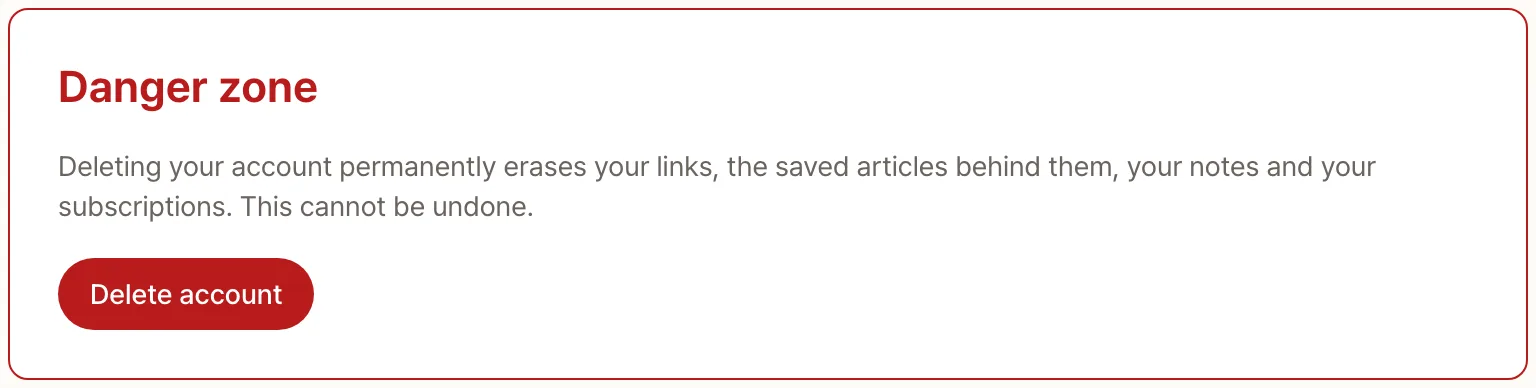
- In the Danger zone at the bottom of the Profile tab, tap Delete account.
- In the "Delete your account?" window, tap Delete forever.
- In the Danger zone at the bottom of the Profile tab, tap Delete account.
- In the "Delete your account?" window, tap Delete forever.
When you delete your account, the app signs out and the articles downloaded for offline reading are removed from that device. The full list of what gets deleted is in Account deletion.
Something wrong with this page? Send feedback