Move several articles at once
Use selection mode on the web to pick several articles and move them into a category in one go.
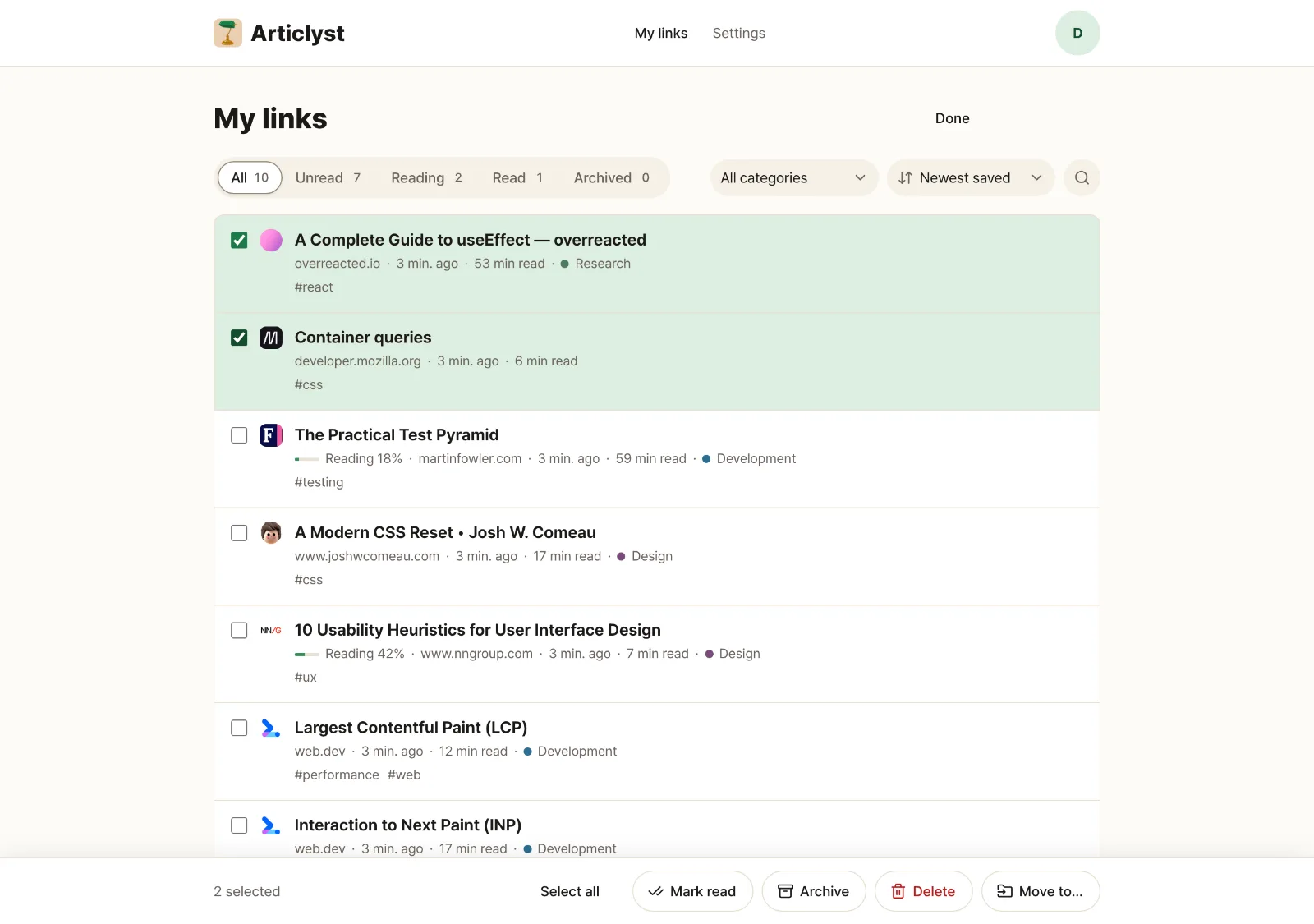
If articles have piled up, you can pick several on the web and move them into a category at once. The apps and the Chrome extension don't have this feature.
- Click Select above the list.
- Check the articles you want to move. Hold Shift while checking to select everything in between.
- In the bar that appears at the bottom, click Move to… and pick a category.
You can move up to 100 at a time. When you're finished, click Done.
Something wrong with this page? Send feedback