Save a link by pasting its URL
Paste a link into the web or the app to save it. You can add a title, description and tags at the same time.
Got just a URL, like a link someone sent you in a chat? Paste it into the web or the app to save it.
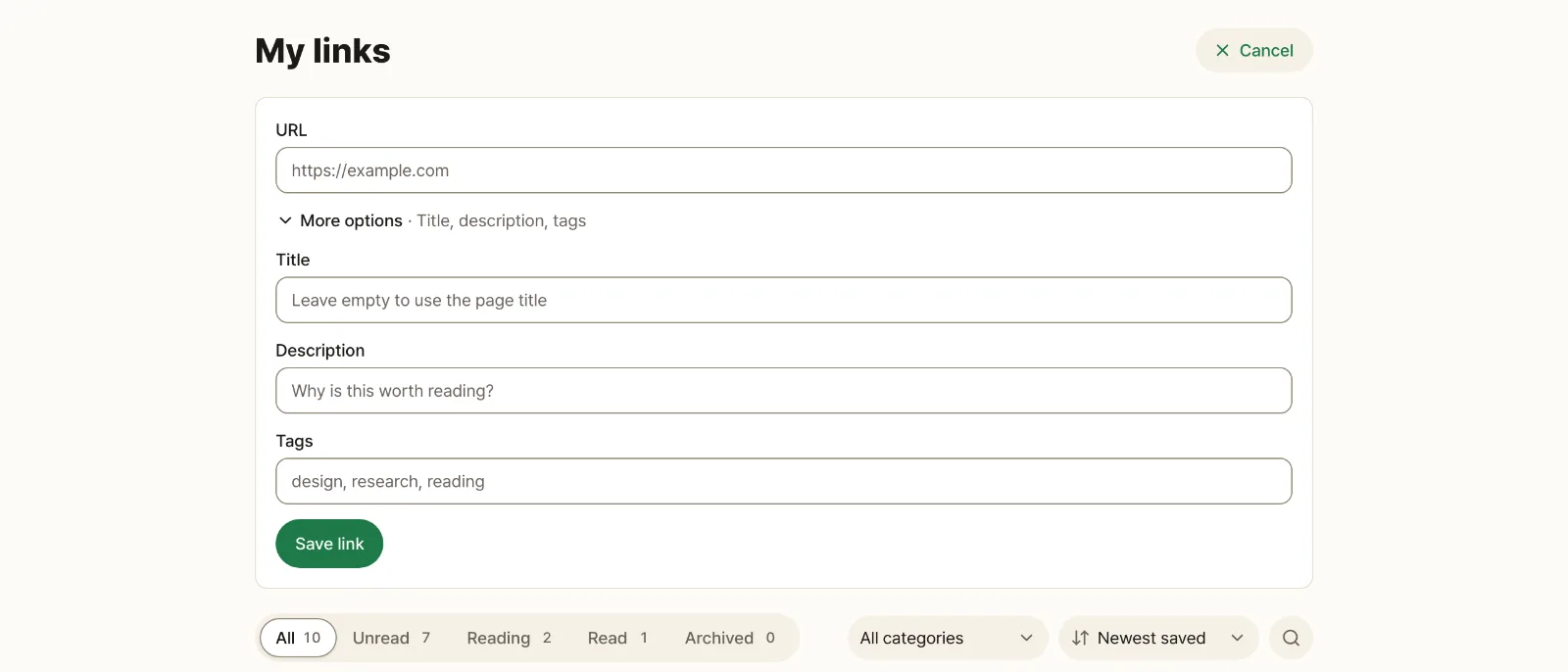
- In My links, click Add link. If you haven't saved anything yet, the form is already on the page.
- Paste the address into URL.
- To add a title, description or tags, open More options. Leave the title blank to use the page's own title. Separate tags with commas.
- Click Save link. When you see "Link saved", it's at the top of your list.
Press Esc to close the form.
- In the Links tab, tap + in the top-right corner.
- Paste the address into URL.
- Add a title, description or tags (separated by commas) if you like.
- Tap Save at the top right.
- In the Links tab, tap the + button in the bottom-right corner.
- Paste the address into URL.
- Add a title, description or tags (separated by commas) if you like.
- Tap Save at the top right.
In the app, saving works even without an internet connection. The link shows "Waiting to sync" in your list and uploads once you're back online.
You can't pick a category in the add-link form. After saving, move it to a category.
Something wrong with this page? Send feedback